Here is how to follow wrestling news without spoilers: filter results out of your feeds before they reach you, keep a short list of pre-show sources you trust, and watch on a delay so coverage has cooled. Turning off autoplay, muting result words on X, and hiding spoiler posts on Reddit does most of the work, and it takes about ten minutes to set up once.
The reason this matters is simple. Wrestling results travel faster than the show itself. A single push notification, a trending video thumbnail, or a friend posting from their couch can flatten a payoff you have waited weeks for, and no article can take that back.
What follows is the setup I would hand a friend who is tired of pretending they do not check their phone during the match. It assumes you still want to read wrestling news, still want to be in the conversation, and just want the outcome left alone.
Table of Contents
- What You Need to Follow Wrestling News Without Spoilers
- Step-by-Step: A Seven-Step Spoiler-Free Setup
- 1. Decide What Counts as a Spoiler
- 2. Choose a Few Reliable Spoiler-Free Sources
- 3. Filter Result Words and Topics
- 4. Turn Off Social Media and Video Notifications
- 5. Schedule News Checks Around Events
- 6. Use a Two-Layer News Routine
- 7. Check Results Only When You Are Ready
- Common Mistakes Wrestling Fans Make
- Frequently Asked Questions
- Can I follow WWE news without seeing match results?
- What are the best spoiler-free sources for wrestling news?
- How do I stop wrestling spoilers on social media?
- Are wrestling podcasts safe for avoiding spoilers?
- How long should I wait before checking results?
- Conclusion: Start With One Filtered News Source
What You Need to Follow Wrestling News Without Spoilers
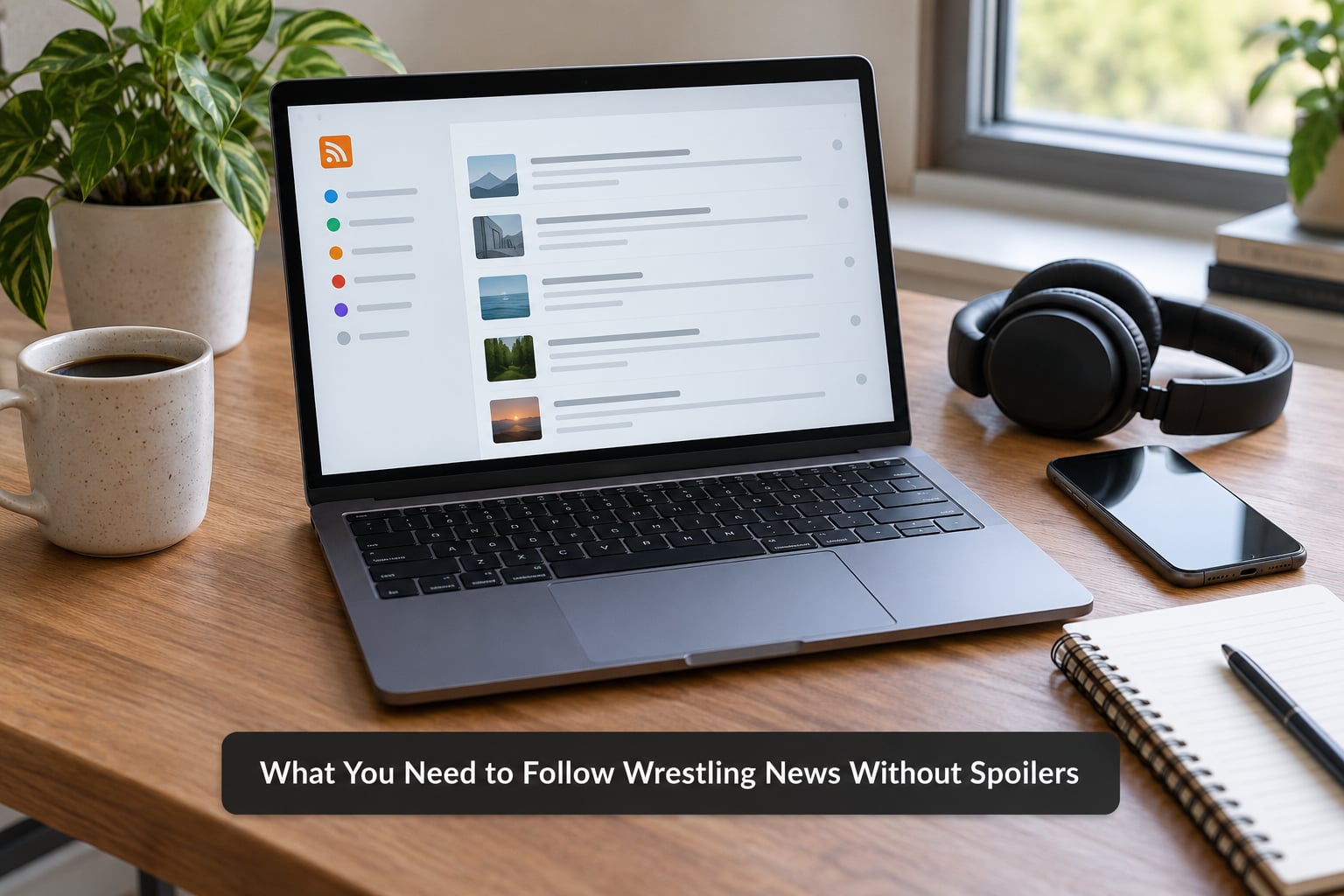
You need five things, and none of them are new accounts or expensive apps. Most wrestling fans already own every one of them and just have not configured them.
- An RSS reader. A free reader such as Feedly or Inoreader gives you one page holding every feed you choose, and nothing else. That single property is what makes it safer than an algorithmic homepage.
- Keyword mute lists. X, Reddit, Facebook, and most feed readers accept a list of words to hide. You build that list once, in step three.
- Notification controls you actually use. Push previews are the quietest leak in the whole system, because the headline arrives before you ever open the app.
- A notes file. A plain note on your phone where you drop article links you want to read later. It is the parking spot that keeps you from opening a homepage to find them.
- Access to official schedules. Promotion sites and their official accounts post match cards, dates, and start times without touching results. Knowing what is on and when is what lets you check news at the right moment.
That is the whole kit. You do not need to follow every wrestling site or every wrestling account, and following more is what usually gets you in trouble.
Step-by-Step: A Seven-Step Spoiler-Free Setup
Work through these in order. The order matters, because the first two steps decide what counts as dangerous and the last two decide when you are allowed to look.
1. Decide What Counts as a Spoiler
You cannot filter what you have not defined, and most fans lose results to headlines they genuinely did not consider spoilers. Fix your own line before you touch any settings, because it will take thirty seconds and it makes every later decision easier.
Outcome-revealing news includes match results, who won and how, title changes, returning wrestlers, injury updates that remove someone from a match, surprise entries at the last second, and major contract or acquisition announcements.
Pre-show news is usually safe. Announced match cards, start times, venue and ticket details, and segment talk that came from a press release rarely spoil anything, because they are the same information every viewer already has.
Ambiguity is where it gets tricky. A report that a title match has been booked is safe if it stays a booking report, and becomes a spoiler the moment it names the winner. A story about a wrestler being absent from a tour can spoil a return if it also tells you why.
Write your line down in your notes file as a short list of words and phrases you refuse to see. Then use it as your triage test: if a headline would change how you feel in the first five minutes of the show, treat it as a spoiler even if the wording looks innocent.
You can verify the step works by reading three headlines from your feed tomorrow and asking which ones you would rather not have seen yet. If the answer is obvious every time, your definition is doing its job.
2. Choose a Few Reliable Spoiler-Free Sources
Pick three to five sources and stop there. More sources do not make you more informed, they just multiply your chances of hitting a result.
Official promotion channels come first, because a match card or a start time is exactly the information you want before a show. They are also the rare source that publishes on schedule and stays predictable, which is what makes them safe to subscribe to.
Newsletters beat social accounts for the same reason a feed reader beats a homepage: somebody else decides what appears on the page. Look for weekly recaps written after the fact and pre-show shows that air before the bell, and unsubscribe from anything that publishes results the moment a show ends.
Podcasts work if you pick the kind that talk about the show before it happens. Post-show recap shows are not for you yet. Read the show description before you subscribe, since a lot of them advertise the date in the title and that alone tells you whether it is pre or post.
Test the list by going a full week without opening a general news homepage. If you can still say who is on the card and when the next show is, the list is doing its job.
3. Filter Result Words and Topics
Muted words are the single most effective setting across every major platform, and most people never open the menu where they live.
On X, the path is Settings and privacy, then Privacy and safety, then Content you may wish to see less of. That screen lets you mute words and whole accounts, and muted terms are filtered from your home timeline, search results, and notifications. Build the list from the words you defined in step one, plus the obvious ones: results, winner, upset, champion, champion change, returns, returning, after the match, post-show, spoiler, spoilers, full match, video.
Use the mute word versus mute phrase distinction deliberately. A single word like champion will hide a great deal of build-up news along with the results, so decide whether you want that trade. Most fans do, because the build-up news usually turns up somewhere else within an hour anyway.
On Reddit, filter by keyword rather than by community alone. The home feed mixes in posts from anywhere, and communities like r/SquaredCircle and r/WWE post at a volume on show nights that no feed setting can tame. A muted keyword covers all of them at once, which is why it beats hiding individual subs.
In your feed reader, use folders. Put official announcements in one folder, recaps in a second, and leave results out entirely until you move them yourself on reading day. In search alerts, keep only the announcements you want, since a general alert for a show name will hand you results within minutes of the show ending.
Be careful not to over-filter. Hide too much and you will miss a card change or a schedule shift you genuinely needed, and the fix people usually land on is turning the filters off entirely.
4. Turn Off Social Media and Video Notifications
Notifications are where most accidental spoilers happen, because the preview text gives away the result before you decide to look. Menu names shift between app versions, so treat these as the settings to hunt for rather than a fixed path.
Push notifications. On X, open Settings and privacy, then Notifications, and switch off the categories you do not want to interrupt you, such as posts from people you do not follow. On iOS and Android, turn off notification previews in the system settings for the apps you still want alerts from, so the headline text stays hidden.
Reddit. Open Settings, then Notifications, and disable push alerts for the wrestling communities you follow. Leave the rest alone. In the same settings area, hiding a community removes it from your home feed without unsubscribing, which is useful when you want to read it deliberately rather than never.
YouTube. This is the one platform that people consistently single out. In Settings, General, turn Autoplay off, and switch off the option to show related videos at the end of what you watch. Then open your watch history and history on YouTube and remove wrestling channels from the list that appears there. Trending pages and the home screen pull from what you have watched recently, so clearing that history genuinely changes what you see.
Facebook. Groups are the problem here, since show-night threads post results faster than most feeds. Use Feed preferences to reduce posts from the groups you follow, and check the group settings for anything that can mute new posts during a show.
Trending thumbnails are the leak most people miss. A recommendation engine does not care that you never followed the account, and it will happily hand you a result through an autoplay list you built out of videos you wanted to avoid.
5. Schedule News Checks Around Events
Pick two fixed windows and stop looking at wrestling news outside them. This works because information density on show nights is enormous and falls off within hours.
The first window goes a couple of hours before the show. That is when you check the card, confirm the start time, and read anything about segments that has already been announced. Nothing from this window should touch results, so keep it short, maybe ten minutes.
The second window comes after you have watched, or at the point where you have decided you are done with the day. For weekly shows that usually means the recap the next morning or the Monday evening roundup. For a big event, waiting until the following morning means the takes, the reaction threads, and the video uploads have all been published, so your one read covers everything.
Deliberately watching 24 to 72 hours later is the tactic that makes the rest of this easier. Almost every fan who works a spoiler-free routine ends up doing some version of it, even if only for the events they care about most.
6. Use a Two-Layer News Routine
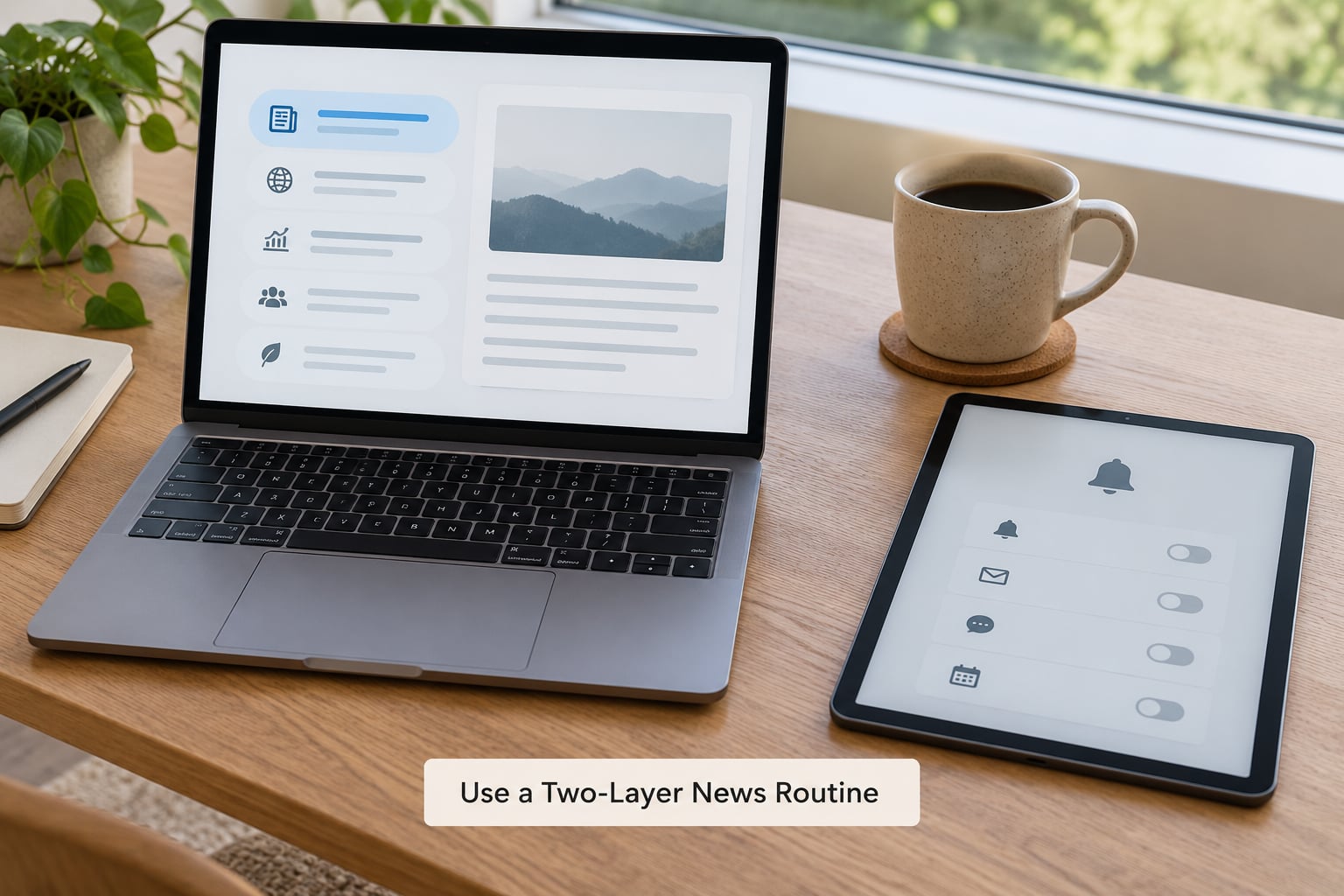
Split your news into a fast layer and a slow layer. Alerts sit in the fast layer and do the monitoring. Reading sits in the slow layer and happens on your schedule.
The fast layer is one folder in your feed reader, one or two newsletters, and muted notifications. You scan headlines, nothing more. If a headline passes your step-one test, you open it immediately. If it fails, you drop the link in your notes file and do not open it.
The slow layer is where the reading happens, and it should be a single page you open once. One unspoiled feed, plus the official schedule. There is no search box within reach and no trending column beside it, which is the entire point. Opening a homepage is what puts a result in front of you; opening a curated feed is what keeps it out.
Save anything interesting to the notes file and delete it once read. A growing notes file is fine, because nothing in it is being shown to you by an algorithm.
You will know this layer is working when you can go a week without noticing a spoiler, and you will know it has broken the moment a homepage becomes part of the routine.
7. Check Results Only When You Are Ready
Everybody catches up eventually, and doing it badly is what turns a spoiled show into a ruined one. A few habits make the catch-up clean.
Choose one source that labels results clearly and stick to it for that day. Outlets that put a spoiler label on the page are doing you a favour by being blunt, and a labeled page you chose beats five clips you stumbled into.
Read one full card in one sitting rather than refreshing individual matches. Refreshing produces partial knowledge, which is the worst state to be in because you know something is wrong but not what. A single read gives you the whole show in the order it happened.
Turn autoplay off and stay off the clips for that session. The thumbnails carry results, and a playlist built from your viewing history is designed to keep serving them.
Leave the comment sections alone for an hour afterwards. That is where argument about finishes and booking decisions starts, and none of it adds anything you need.
Common Mistakes Wrestling Fans Make
Almost everyone sets this up once and then undoes it within a month. These are the ways that happens.
Following too many accounts. The fix is not better filtering, it is fewer follows. Five wrestling accounts you chose carefully will never spoil you the way two hundred that you followed years ago do.
Enabling every alert type. Push, email, badges, newsletter sign-ups, all at once, on show night. Alerts are for news you did not plan to look up, so each one needs a reason before it exists.
Using prediction and betting feeds. These are spoilers by design. They frame outcomes, often with the result implied, and they get recommended to you because they are popular on show nights. Muting the words from step one catches most of them.
Searching event news too late. Typing a show name into search at 10pm on a Monday hands you a page of results. If you want to search, do it the morning after, in your slow layer, with your chosen source already open.
Treating a vague headline as safe. Headlines written to avoid naming the winner are still about the winner. Judge by content, not by wording.
Reading comments. A thread about a show has almost no pre-show discussion in it. The volume arrives after the bell, and the replies carry the details.
Maintenance takes about five minutes a month. Check that your muted words still cover the current vocabulary, since results language shifts with who is headlining. Re-check YouTube autoplay after every major app update, since it has been known to come back on. And re-read your step-one list whenever you catch yourself annoyed by a spoiler, because the fix is usually that the category was not on your list.
Frequently Asked Questions
Can I follow WWE news without seeing match results?
Yes, with filters set up in advance. Official promotion accounts, newsletters that publish before and after shows, and an RSS folder give you cards and story updates without outcomes. The parts you have to actively configure are keyword mutes on X, keyword filters on Reddit, autoplay and related videos on YouTube, and preview text in your phone notification settings.
What are the best spoiler-free sources for wrestling news?
Official promotion sites and accounts are the safest starting point because they publish match cards and start times before a show. From there, weekly recap newsletters and pre-show podcasts keep you current without live results. Look for anything that labels its own spoiler sections clearly, and avoid feeds that publish a results list within minutes of a show ending.
How do I stop wrestling spoilers on social media?
Turn off preview text in your phone notification settings, then mute result-related words inside each app. On X these live under Privacy and safety and Content you may wish to see less of. On Reddit, disable push alerts for wrestling communities and filter by keyword rather than hiding subs alone. On Facebook, use Feed preferences to reduce group posts, and skip group threads on show nights.
Are wrestling podcasts safe for avoiding spoilers?
Only if you pick pre-show shows. Anything recorded after an event is a recap and will describe finishes, title changes, and returns. Check the episode description or the show title before downloading, since a lot of podcasts put the event name and the recording date right there. Subscribing to two pre-show shows and zero recap shows is a workable setup.
How long should I wait before checking results?
For weekly shows, the next morning or a Monday recap is usually enough. After coverage has cooled, one read of a clearly labeled results page covers the whole event, and you avoid the clip-by-clip version that leaves you half-informed. For major events, waiting until the following morning works because takes and reaction threads will have added little of their own.
Conclusion: Start With One Filtered News Source
You cannot filter a feed you do not control, and you cannot fix it after a result lands in a notification. So start small: one filtered source, one muted keyword list, one post-show check on a schedule. Everything else, the second feed and the delay strategy, can wait a week.
Platform menus change often, so the exact settings named here are accurate as of 2026 and worth a quick look before you rely on them. If you are starting from nothing, the first five minutes in step three will save you the most grief.