Knowing how to watch classic wrestling matches legally comes down to one habit: identify the exact event first, then search only the official catalogs, official channels, and licensed physical releases. Netflix holds the WWE Premium Live Event library in the US since January 2026, while free legal routes exist through the official WWE and WCW YouTube channels, Pluto TV, Roku’s RASSLIN’ channel, and Twitch. Most fans who struggle are not searching badly — they are searching the wrong service for the right match.
It also helps to know that the WWE Network no longer exists as a standalone service. A lot of advice online still points people at it, and that single stale fact causes most of the confusion in forum threads about where the old pay-per-views went.
Table of Contents
- What You Need
- Step-by-Step: Finding an Authorized Source
- Identify the promotion and event
- Check official streaming catalogs
- Look for official DVDs and physical releases
- Use broadcaster and event archives
- Verify the source before watching
- Common Mistakes
- Frequently Asked Questions
- Where can I watch classic wrestling matches?
- Are old WWE PPVs on Netflix?
- Can you still watch WCW on streaming services?
- Is there a free legal way to watch classic wrestling?
- Are DVDs worth buying for classic wrestling matches?
- Why can I not watch a match that is available in the US?
- Conclusion
What You Need
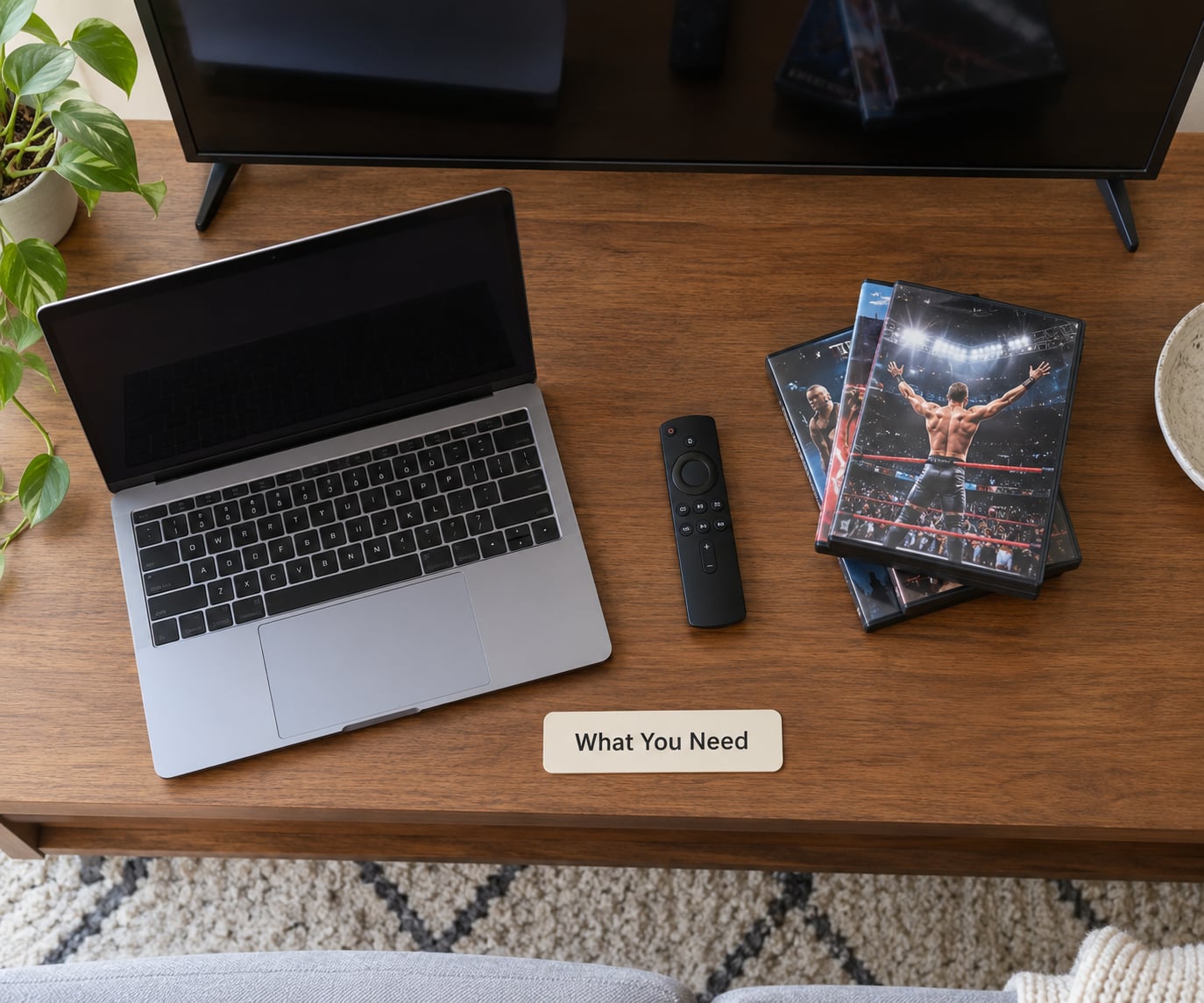
Four things, and you probably already have three of them.
- A screen and a reliable connection. A smart TV, a laptop, a tablet or a streaming stick all work. Streaming a full event in high definition wants a steady connection, and a weak signal shows up as buffering right at the worst possible moment in a match.
- A payment method. Most of the big catalogs sit behind a subscription. You will also want it for physical media, since discs are not free.
- The match itself, named as precisely as you can. Promotion, event, and year beats a wrestler name alone. “WWF 1997, Royal Rumble” finds the event; “Hulk Hogan” finds everything he appeared in, which is a lot of watching.
- Your country in mind. Availability is region-locked. The same catalog can be full in the US and thin or empty elsewhere, so knowing where you are saves a subscription you cannot use.
One more thing worth sorting out before you start: do you want the full event with the build and the aftermath, or just the match? Asking that first keeps you from sitting through forty minutes of a segment to reach the four minutes you actually came for.
Step-by-Step: Finding an Authorized Source
Identify the promotion and event
Start with four inputs: the promotion, the event, the year, and who is wrestling. That combination is usually enough to pin down exactly one card. WWF, WCW, ECW, TNA and the independent promotions each keep separate archives, so mixing them up is the most common reason a search comes back empty.
For example, a search for a specific main event match should include the promotion and the pay-per-view name. A search for weekly television is different — WCW Monday Nitro ran from 1995 to 2001, and Raw began as Raw Is War in 1993, so the year matters when you are working through a weekly show.
If you only know the wrestlers, start with the promotion anyway. Ric Flair and Hulk Hogan turn up in four different decades of events, and narrowing to one promotion cuts the list down to something you can actually read.
Check official streaming catalogs
Netflix is the US home of the WWE back library. Since the January 2026 drop it carries the Premium Live Event catalog organized by event brand as year-based seasons — WrestleMania, SummerSlam, Survivor Series, Royal Rumble, Money in the Bank, Hell in a Cell, TLC and the rest, each with dozens of installments going back decades.
Peacock carries WWE programming including Saturday Night’s Main Event. ESPN handles new live PLEs in the US. Outside the US the picture changes completely: live and library rights sit with different broadcasters country by country, and a service that is useless to you may be the default option for someone in another region.
Search by event name rather than by wrestler. Netflix’s search is the weak spot most fans complain about — 1980s Golden Era content is genuinely hard to surface through general search, and browsing the WWE collections by event brand is the faster route.
Look for official DVDs and physical releases
Physical media is the most reliable legal answer for anything that never got a streaming release. Big events sold on DVD and Blu-ray for years, and box sets exist for whole eras and for individual wrestlers.
Public libraries are worth checking first. Many carry wrestling event discs, and borrowing costs nothing beyond library membership. Used-disc sellers are the other option, though availability for rarer titles gets patchy and discs that have lived in a damp storage unit are not worth a gamble.
Before buying, check the back cover or the listing for the card. Older releases were event-only, and the disc you want may be the one where the match is a bonus rather than the main feature.
Use broadcaster and event archives
Free legal viewing is more available than most search results suggest. The official WWE YouTube channel posts full matches, compilations and Vault content. Pluto TV and Roku’s RASSLIN’ channel carry scheduled classic wrestling blocks. Twitch hosts legitimate classic show streams from Impact Wrestling and other promotions.
Ad-supported channels and network reruns are the least glamorous route and often the best one for a casual viewer. Nothing to install, no subscription, and a decent picture for a single match.
Be honest about what counts as authorized. Official promotion channels, licensed broadcasters and their verified upload partners are fine. Reposted uploads from users and channels that claim rights they do not hold are not, no matter how convenient they look.
Verify the source before watching
Five checks before you press play, and they take about a minute.
- Uploader. The channel should belong to the promotion, the broadcaster or a named rights holder. Check the channel, not the video.
- Listing. On a store page, confirm the release still exists in your region before you buy.
- Subscription tier. Some catalogs sit behind a higher plan than the one you have. Verify the tier before assuming your current subscription covers it.
- Completeness. A two-minute clip of a legendary match is not the match. Check the runtime and look for the full bell-to-bell cut.
- Region. If a title will not play, it is almost always the region rather than the file.
Content also moves between services without warning. If a match vanished from where it used to be, search the event name across the other catalogs before assuming it is gone — that is exactly what happened when the WWE library shifted from Peacock to Netflix.
Common Mistakes
Trusting whatever the first search results show. Uploaded copies of full matches are scattered across video platforms, and the ones that rank first are rarely the authorized upload. Check the channel before clicking.
Following guidance written before January 2026. Advice that still points to the WWE Network, or that quotes pricing from years ago, will waste your evening. Look for a last-updated date.
Subscribing before checking the catalog. The cheapest route depends on which promotions you actually want. Pay for one month, search the specific event, and cancel if it is not there.
Assuming one service holds everything. WWE, WCW, TNA and NJPW archives live in different places, and so do the new events versus the back catalog.
Ignoring region locks. A US catalog is not a global catalog. If you are outside the US, check the local broadcaster before subscribing to a US service.
Downloading unauthorized copies. Sites offering free classic PPVs carry real legal exposure and a well-earned reputation for malware. The official free channels are better, and they cost nothing.
Two tips that save the most time. For new fans, watch chronologically — storylines, heel turns and faction wars make no sense out of order, and a few weekend episodes of Raw in the mid-1990s will explain why people argue about 1997. For everyone else, write down the event and year once and use the same search every time instead of retyping loose keywords.
Frequently Asked Questions
Where can I watch classic wrestling matches?
Netflix holds the WWE Premium Live Event library in the US, organized by event brand as year-based seasons. Peacock carries WWE programming including Saturday Night’s Main Event, and ESPN airs new live events. For free viewing, the official WWE and WCW YouTube channels, Pluto TV, Roku’s RASSLIN’ channel and Twitch all carry classic wrestling. Outside the US, rights sit with local broadcasters, so check your region first.
Are old WWE PPVs on Netflix?
Yes, in the US. The WWE back library arrived on Netflix on January 1, 2026, including decades of WrestleMania, SummerSlam, Survivor Series, Royal Rumble, Money in the Bank, Hell in a Cell and TLC, each listed as its own season per year. Search by event brand rather than by wrestler, because older Golden Era content is hard to surface through general search. Availability outside the US differs.
Can you still watch WCW on streaming services?
WCW programming sits mostly with Peacock in the US, alongside WWE and other archived wrestling, and additional WCW uploads appear on the official WCW YouTube channel. Some Monday Nitro episodes and pay-per-views have never been officially released, and some exist only as unauthorized uploads, which are not legal sources. Your most reliable options are the subscription catalog and licensed physical releases.
Is there a free legal way to watch classic wrestling?
Yes. The official WWE YouTube channel posts full matches and Vault content, Pluto TV and Roku’s RASSLIN’ channel run scheduled classic blocks, and Twitch carries legitimate streams of archived shows from promotions like Impact Wrestling. These are ad-supported or free, so there is no subscription and nothing to install. Treat user-uploaded copies and unofficial channels as unauthorized, however complete the match looks.
Are DVDs worth buying for classic wrestling matches?
Often, yes, because they are still the only legal route for events that never got a streaming release. Big events and era box sets have been issued on DVD and Blu-ray for years, and libraries frequently stock them. Check the back cover before buying, since some older releases cover the main event only and include your target match as a bonus. Used discs vary in condition, so inspect before committing.
Why can I not watch a match that is available in the US?
Region locking is the usual reason. Streaming rights are licensed by country, so a catalog can be complete in the US and missing or partial in the UK, Canada, Australia and elsewhere, and the local service may be a completely different broadcaster. If a title will not play, that is almost always the region rather than the file. Checking your local broadcaster before subscribing to a US service will save a subscription you cannot use.
Conclusion
Write down the promotion, the event and the year before you open any app. Then search that exact event in the official streaming catalog, check the official YouTube channels and ad-supported channels for a free copy, and look at physical releases if it was never streamed.
Check the uploader and the region, then watch. That order takes five minutes and gets you to the match without a wasted subscription or a dodgy download.