To figure out how to avoid wrestling spoilers on social media, you need three things: platform settings that mute wrestling words and accounts, device settings that block notifications and trending pages, and clear boundaries with the people who message you. Most leaks come from one of those three, usually the notifications. Set it up once before a big show and it takes about fifteen minutes.
This guide walks through the setup in order, platform by platform, and finishes with what to do when something slips through anyway.
Table of Contents
- What You Need
- Step-by-Step: How to Avoid Wrestling Spoilers on Social Media
- 1. Choose a spoiler-free account or feed
- 2. Mute keywords, hashtags, and accounts to avoid wrestling spoilers on social media
- 3. Turn off wrestling spoiler notifications everywhere
- 4. Use chronological or curated feeds
- 5. Check your settings before an event
- 6. Decide what you want to watch live
- Common Mistakes When Avoiding Wrestling Spoilers on Social Media
- What to do when a spoiler slips through
- Frequently Asked Questions
- Can I prevent wrestling spoilers without leaving social media?
- Which social media settings hide the most wrestling spoilers?
- How do I stop results from appearing in search suggestions?
- What should I do if a wrestling spoiler appears in my feed?
- Is it better to watch a show live or delay checking social media?
- How can families share a device without exposing wrestling spoilers?
- Conclusion
What You Need
Gather these before you start, because changing settings mid-event is how people end up spoiled.
- A list of the apps you actually scroll. Most readers need three or four: X, Instagram, Reddit, maybe TikTok or Discord. You only configure the ones you open daily.
- Access to your phone settings. Lock screen previews, notification permissions, Do Not Disturb schedules and the trending tab all live here, not in the apps.
- A keyword list. Write down the words that signal a result. Start with: spoilers, results, returns, debut, signing, title change, injury, upset, main event, card, WrestleMania, Royal Rumble.
- A list of accounts that post live coverage. Note them now, because you will need them again in the second hour of the show.
- An honest read on your group chats. The family text and the work chat are where most accidental spoilers arrive.
- A time window. Most wrestling communities use 24 hours after a show airs. That is the number to use when you ask people for space.
One thing worth adding to the list is a browser content filter. Extensions that blur text matching words you choose work across every site at once, which catches the wrestling site, the news roundup, and the forum thread you did not think about.
Step-by-Step: How to Avoid Wrestling Spoilers on Social Media
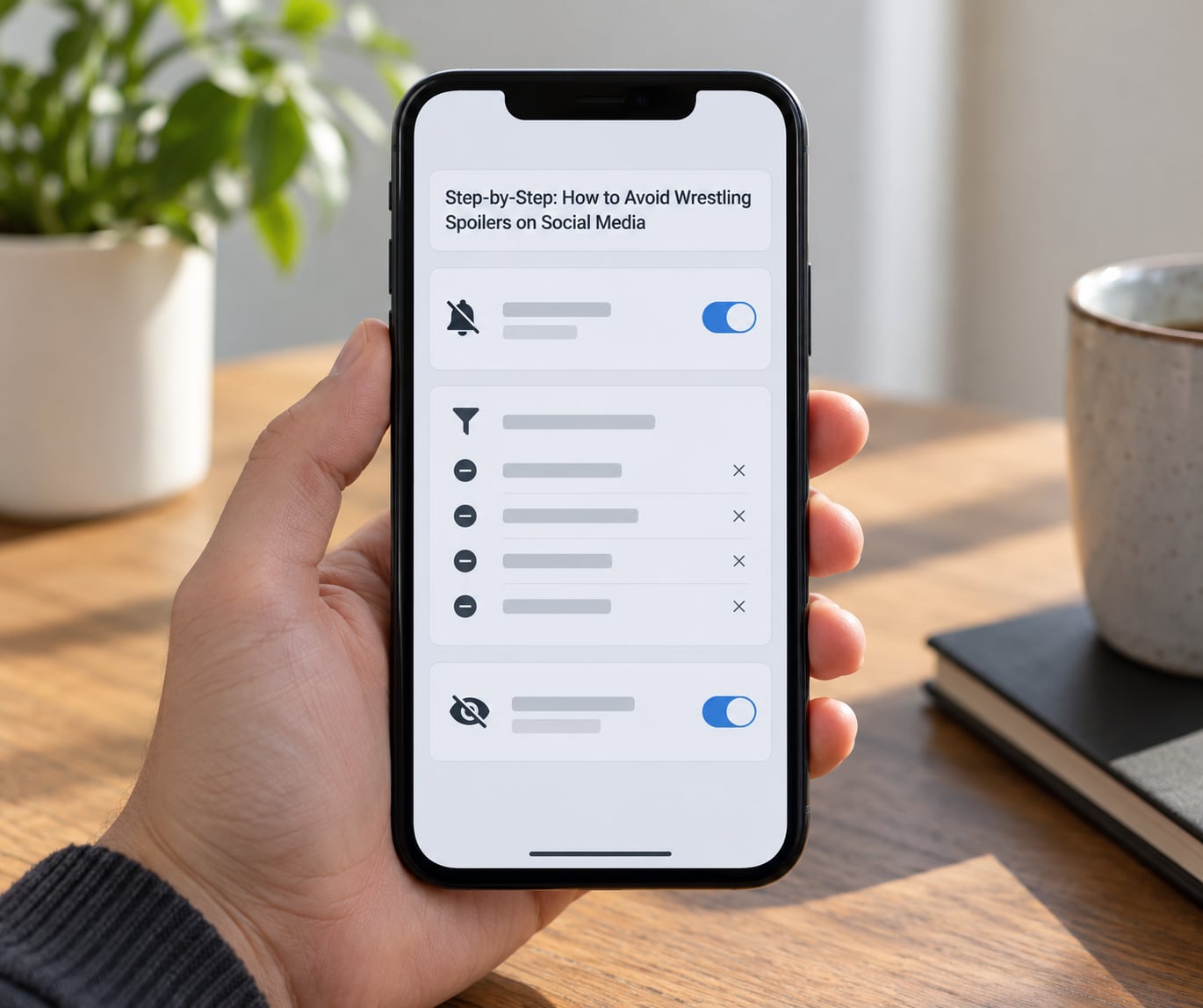
1. Choose a spoiler-free account or feed
A second account is the single highest-impact move, and it costs about five minutes. Create a separate profile that follows only writers, official channels and podcasts, with no clip accounts and no live-tweet accounts in the mix.
Why it works: an algorithmic feed on your main account learned that you stop scrolling on match photos. A fresh account has no history, so it shows you what you asked for and nothing else.
If you will not make a second account, build a List instead. On X, a private List with chronological viewing turned on is the cleanest version of a spoiler-free feed. Same idea, no new login.
2. Mute keywords, hashtags, and accounts to avoid wrestling spoilers on social media
Muting beats unfollowing, because you still see the account’s non-result posts and lose nothing important. Here are the menu paths as of 2026, which you should double-check since these apps move things around.
X (Twitter): Settings and privacy, then Safety and privacy, then Mute and block, then Muted words. Add your list and switch on Hide notifications too. Mute the hashtag version of each term as well, since a post tagged with a results hashtag slips past the word filter when the word sits in the tag.
Instagram: Profile, then the menu icon, then Settings, then Privacy, then Hidden Words. Add custom words and hashtags there. For anything that still gets through, open the post, tap the three dots and choose Hide post or Mute. Tapping and holding the Hide option also asks Instagram to show you fewer posts like it, which is how you slow the For You feed down.
Reddit: This is the worst offender because of community policing, not the algorithm. You cannot mute a word inside a post body, but you can block individual subreddits from your profile menu, filter out posts in search, and log out entirely for the weekend. Read threads through old.reddit.com while logged out and the layout is calmer and thumbnails are scarcer.
YouTube: Turn autoplay off, go to your watch history and delete anything from the event window, then use the menu on each results video to choose Do not recommend this video. Clearing watch history matters more than it sounds, because recommendation is built from what you watched last.
Discord: Text wrapped in double pipes, ||like this||, hides behind a click. Ask the server admins for a spoiler channel or a spoiler role, and turn off notification badges for the wrestling servers during your window.
Also deal with the dirt sheets. Signing scoops, return reports and debut confirmations usually never appear on television, so no spoiler tag ever gets applied to them. They still kill surprise, and in one long-running complaint on r/SquaredCircle fans listed four debuts they lost that way. Mute scoops and insider-style phrasing directly: signing, signs with, returns, comeback, debut, imminently, reportedly.
3. Turn off wrestling spoiler notifications everywhere
Notifications are the loudest and easiest leak. A locked screen can show you a result in thumbnail form before you have decided to look at anything.
- Set every social app to show previews off, or lock the screen entirely.
- Turn off push notifications for news and sport apps, and for the group chats your wrestling friends live in.
- Remove social apps from the home screen during the window so opening your phone does not open a feed.
- Disable the trending tab and any suggestion row in your browser and on your phone’s launcher.
- Set a Do Not Disturb schedule that starts an hour before the show and runs through the end of the main event.
- Check email. Newsletter sends at 1am go straight to your inbox with the finish in the subject line.
If you work a normal schedule and the show airs during your workday, this step is the whole game. By the time you get home, trending data is already saturated, so the safe move is to set this up in advance rather than improvising at midnight.
4. Use chronological or curated feeds
Algorithmic feeds are the problem, not the platform. A for-you feed shows you what other people stopped on, and the thing wrestling fans stop on is the finish.
- On X, switch the home timeline to Latest instead of For you.
- On Instagram, use the Following tab only, and mute suggested posts when they offer it.
- On Facebook, use Feeds rather than the combined For You stream, and mute groups with result posts.
- On Reddit, sort by New instead of Hot, since Hot promotes whatever already blew up.
- On TikTok, swipe past anything unfamiliar: the recommendation engine has no idea you are 20 minutes from a main event.
5. Check your settings before an event
Ten minutes the night before beats a ruined Saturday. Run through this list:
- Open your muted word list on each app and confirm the terms still apply.
- Check that the accounts you meant to mute are actually muted.
- Clear search history so autoplay and suggestion engines do not resurface event names.
- Confirm notifications are off on the phone, not just in the app.
- Tell the people most likely to spoil you. A short message beats an awkward conversation later:
Heads up: I’m watching the show late and trying to avoid spoilers until then. If something big happens tonight, please don’t tag me or mention it in the group chat until I say I’ve seen it. I’ll send you my reaction when I’m done.
Send that to friends, family, the group chat and the one co-worker who will absolutely ruin it. Then pick a window. Twenty-four hours after a show airs is the convention wrestling communities already use, and asking for that specific window gets a yes far more often than asking people to be careful generally.
6. Decide what you want to watch live
Settings only get you so far. Decide in advance which of these you actually want, because switching mid-show is how leaks happen.
- Watch live, block the internet. The cleanest option. DND on, apps closed, trending tab off.
- Watch on delay. Keep social media, but touch nothing until it is done. Delay is the single most common approach and the one that works.
- Use a spoiler-safe reaction feed. Some writers and podcasts give reactions without naming outcomes. Follow those, unfollow the clip accounts for the night.
- Use a friend as your filter. One person whose taste you trust, reporting nothing concrete until you have watched.
Watch out for taped events and different time zones. A portion of a show can be taped and can surface on a network’s clips feed days before the broadcast date, which is why muting the event name in advance matters even when you plan to watch on delay.
Once you decide to know, catch up in a deliberate order: the event results page first, then a written summary, then reactions, then clips last. Clips first is how you get a finish delivered with no context. If you missed a week of television entirely, a written results recap is a better place to rebuild the story than scrolling a thousand disconnected threads.
Common Mistakes When Avoiding Wrestling Spoilers on Social Media
Relying on one platform. Most leaks are not on the app you configured. They are in a group chat, an email, or a second phone. Treat every device as an entry point.
Forgetting group chats and work Slack. A family text has no mute list and no filter. Mute the chat for the window and ask directly.
Leaving search and watch history alone. Once you search an event name, the recommendation engines take the hint and push results at you for days. Clearing history is a real fix, not a placebo.
Using the same feed for live updates and spoiler-free browsing. If you watch the event and scroll at the same time, no setting saves you. Pick one.
Muting after the show starts. Filters need a few minutes to fill the feed. Set them the night before.
Assuming spoiler tags protect you. Tagging is community courtesy, not a setting. Plenty of posts about signings and returns never get tagged at all, because they were never shown on television.
Trying to catch everything. One fan described taking three months off wrestling entirely during a major season to avoid spoilers, and said the break was worth it. That is a valid choice, not a failure.
What to do when a spoiler slips through
Close the source and stop scrolling. Reading the comments, opening the thread, or asking a friend for the details only deepens it.
Then change something concrete: mute the account that did it, add the term it used to your word list, and delete the app from your home screen until the show is over. The people who cope best are the ones who decide in advance that one leak does not cancel the night.
Prevention, in order of impact: kill notifications, mute the words, use a chronological feed, and tell your people about a 24-hour window. That sequence handles almost every leak before it happens.
Frequently Asked Questions
Can I prevent wrestling spoilers without leaving social media?
Yes, mostly. Mute wrestling keywords, hashtags and clip accounts, switch to a chronological feed, and turn off every notification and lock screen preview. You will still see the occasional untagged scoop, because signing and return news often gets posted without a spoiler tag. Treat that as the cost of staying online rather than trying to filter your way to zero.
Which social media settings hide the most wrestling spoilers?
Muted words on X and Hidden Words on Instagram hide the most, because both filter text before it reaches your feed. Notifications off is the second biggest win, since a locked screen preview can spoil a result without you opening anything. Redacting content from profiles hides old posts, but it does not stop new ones, so keep the word list as your main filter.
How do I stop results from appearing in search suggestions?
Clear your search history in each app, delete the app’s data if the suggestions persist, and remove the event name from your watch history. Suggestions are generated from what you searched and watched, so an old lookup keeps feeding the system. On a laptop, clearing browser history and search suggestions for the promotion’s name does most of the work.
What should I do if a wrestling spoiler appears in my feed?
Close it, leave the thread, and do not open the comments. Decide whether you want to finish the show spoiled or push on, then act on it: mute the account, add the term it used to your word list, and re-check your notification settings. Fans who set up a plan before the show usually shrug off a leak. Fans with no plan tend to abandon the night entirely.
Is it better to watch a show live or delay checking social media?
Delaying works far better for most people. Watching live means every notification, trending topic and suggested post is a live hazard. If you watch on delay, the show runs a few hours behind your scrolling, so the algorithm has not yet caught up with it. Pick the delay before the event starts, and mute the relevant terms the same night.
How can families share a device without exposing wrestling spoilers?
Set a Do Not Disturb schedule on the shared phone or tablet that starts an hour before any event, and turn lock screen previews off in the display settings. On a shared tablet, create a separate restricted profile so the wrestling accounts are not on the main screen. Most important, tell the family what the schedule is, because nobody respects a rule they were not told about.
Conclusion
Start with the first action tonight: go into your muted words settings on X and Instagram, add results, returns, debut, signing and title change, then turn off every notification on the app. That alone stops most of the damage.
Do the rest before the next major show, not during it. Pick your watch-versus-delay plan, ask the people who message you for a 24-hour window, and run through the settings checklist an hour before the bell.