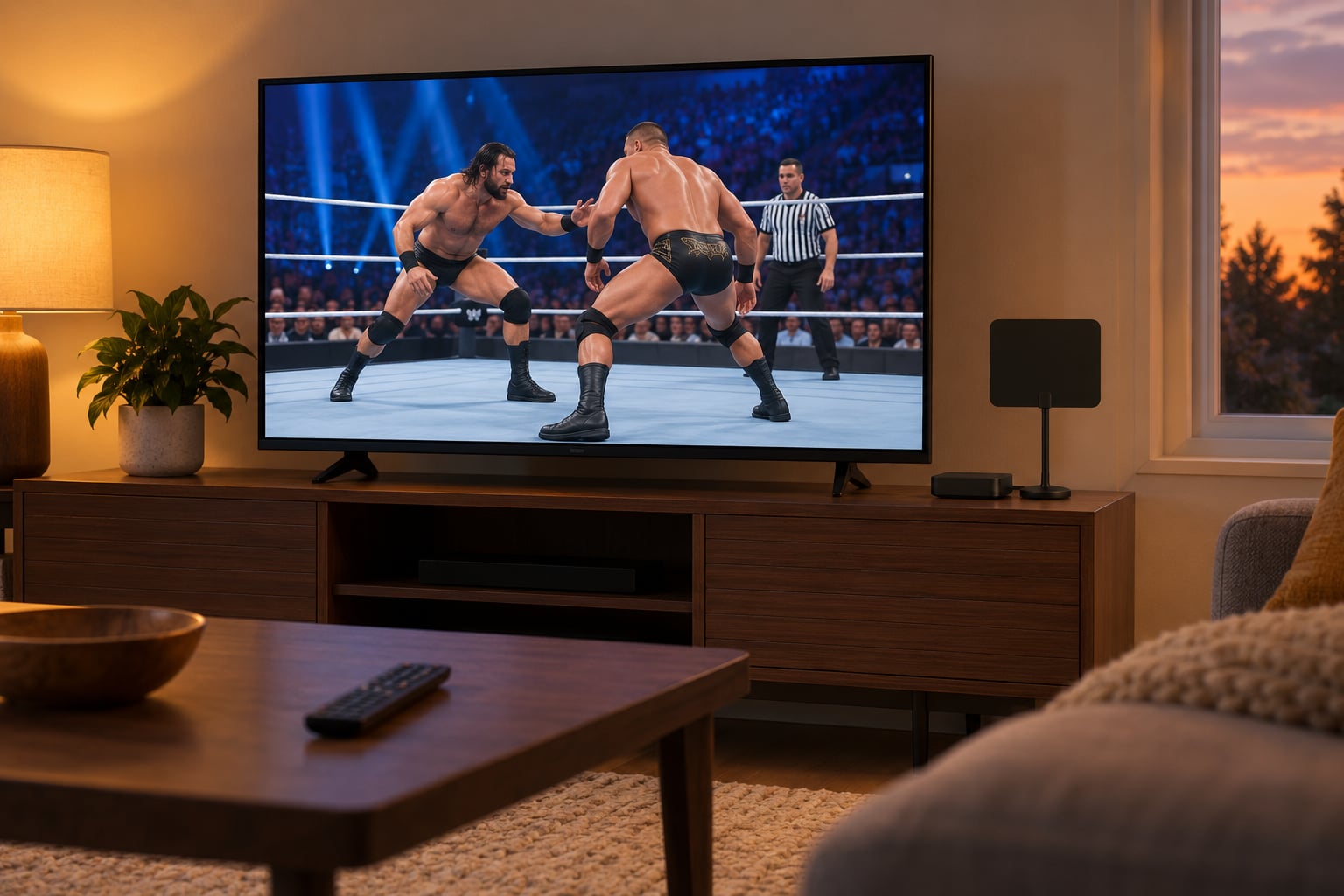
To watch WWE Raw without cable in the US, subscribe to Netflix, open the WWE Raw title page, and play the live broadcast during the Monday night window. Raw moved off USA Network and Peacock in January 2025, so most cord-cutting guides you find today are pointing you at the wrong service.
Three legal routes work right now: a streaming subscription, an over-the-air antenna that picks up a broadcast station carrying WWE, or a TV provider app you sign into with a pay-TV login you already have. This guide walks through each one, device by device, and is straight about what is genuinely free and what is not.
Last verified: October 2026. Streaming rights move around, so check your provider’s own listing before you pay for anything.
Table of Contents
- What You Need
- Step-by-Step: How to Watch WWE Raw Without Cable
- Choose an Official WWE Streaming or TV Service
- Set Up Netflix on Roku, Fire TV, Apple TV and Smart TVs
- Use an Over-the-Air Digital TV Antenna
- Stream Through a Cable or Satellite Provider App
- What Is Actually Free (and What Is Not)
- Watching WWE Raw Outside the US
- Common Mistakes
- Frequently Asked Questions
- Can I watch WWE Raw without cable?
- Is WWE Raw available for free without cable?
- Can I watch WWE Raw on Peacock?
- What is the best way to stream WWE Raw without cable?
- Do I need a VPN to watch WWE Raw?
- Why can’t I find WWE Raw on my streaming service?
- Conclusion
What You Need
What you need depends on which of the three routes you take. All of them need a screen and a way to sign in.
- For streaming: a compatible device, a Netflix subscription with WWE Raw included in your region, and a steady internet connection. A TV is optional, since a laptop or phone works fine.
- For an antenna: a digital TV antenna, a television with a built-in tuner or a separate tuner box, and a coax or HDMI connection. No subscription at all, but you need decent signal in your area.
- For a provider app: an existing subscription to a cable or satellite provider, plus that provider’s login details. This route is not a standalone cord-free option; it works only if you already pay for that service.
Across every route you also need account and payment details ready to go. Sign-in errors are the single most common reason a setup fails on the first try, and it is almost always an expired card or the wrong password rather than anything technical.
Step-by-Step: How to Watch WWE Raw Without Cable
Start by confirming where Raw sits today, then pick the route that matches what you already pay for. If you have no TV subscription at all, the streaming route is the shortest path.
| Show | Where it is now | Live current episodes? | Cable required? |
|---|---|---|---|
| Monday Night Raw | Netflix (US, Canada, UK, Latin America) | Yes, live on Monday nights | No |
| Friday Night SmackDown | USA Network and some live TV services | Yes, on broadcast | Yes, unless your live TV service carries it |
| NXT | The CW, free over the air | Yes, on broadcast | No, with an antenna |
| Premium Live Events | Peacock in the US | Yes, plus on-demand replays | No |
| Classic Raw episodes and other archive | Split between Netflix and the WWE app | No, on demand only | No |
That table is the piece most guides skip. Following WWE means jumping between at least two platforms, which is the part that annoys cord-cutters most, and it is worth knowing before you sign up for anything.
Choose an Official WWE Streaming or TV Service
Netflix is the live home of Monday Night Raw for US viewers, which is why the whole question of how to watch WWE Raw without cable now comes down to one subscription. You open the Raw title page, hit play during the broadcast window, and the live feed runs the same as any other Netflix title.
Once the show ends, that night’s episode moves into the on-demand library, so a missed week is not a lost week. Netflix also carries a large back catalog of past episodes, but it is not complete, and gaps vary by region and by licensing history. Fans on Reddit keep pointing this out as the main frustration with the library: the recent stuff is solid, the deep archive is patchy.
Plan names and pricing change often, so read the table below as a shape rather than a shopping list, then confirm on Netflix’s own plan page before subscribing.
| What you get | Ad-supported plan | Standard plan | Premium plan |
|---|---|---|---|
| Live Monday Night Raw | Yes | Yes | Yes |
| Commercial breaks | Yes | No | No |
| Recent Raw back catalog | Yes | Yes | Yes |
| Simultaneous screens | Fewer | More | Most |
| Downloads for offline viewing | Varies by device | Yes | Yes |
The ad-supported tier carries live Raw, and that is the part people misread. Wrestling is three hours long with a lot of breaks built in, so the ad experience is noticeably heavier here than on a typical scripted show. Viewers who move up to an ad-free plan usually say the same thing: it is the interruption pattern, not the picture quality.
Set Up Netflix on Roku, Fire TV, Apple TV and Smart TVs
Whatever streaming device you own, the path is the same shape: find the app, sign in, find the show, verify it plays. These are the exact menu names on the current versions.
- Roku: open the Roku home screen, scroll to the streaming channel row and pick Netflix. If it is not there, use the search function by voice or on-screen keyboard, or add the channel again from the channel store. Once you are in, search WWE Raw and the title page shows a live badge during the Monday window.
- Fire TV: go to the app store from the home screen, search Netflix, and open it. Amazon devices sign in through amazon.com when you choose sign in with a web browser. Check for app updates before you judge anything, since an outdated build is a common cause of a black screen on playback.
- Apple TV: open the TV app, go to the Arcade or your app list, and download Netflix. Sign in directly on the device or use the code shown on screen to log in through a browser. Apple TV is also where Chromecast and AirPlay casting come from if you would rather send the feed from your phone.
- Google TV and Chromecast: install Netflix from the Play Store on Google TV devices, or open a browser tab, tap the Cast icon and choose the Netflix app. Casting from a phone is the fallback that fixes most playback errors.
- Smart TVs from Samsung, LG, Vizio and Hisense: Netflix is usually pre-installed. Press the home or apps button, locate Netflix, and sign in. If your TV is old enough that the Netflix app no longer updates for it, use a streaming stick instead, which costs less than replacing the television.
- Phone, tablet and laptop: install the Netflix app from the App Store or Google Play, sign in, and download episodes for watching on a commute. Live Raw needs the app on screen, so downloads cover on-demand episodes rather than the live broadcast.
How do you know it worked? Open the Raw title page before the broadcast window and confirm the live badge and start time are shown. If the badge is missing, you are on the wrong plan, in the wrong region, or looking at an archived episode.
Use an Over-the-Air Digital TV Antenna
An antenna works for WWE programming that airs on a broadcast station, and in the US that means NXT on The CW rather than Raw. It is genuinely free after the hardware, and it is the cleanest example of watching WWE without a cable subscription at all.
Here is how to set one up:
- Find a TV station licensed near you that carries WWE programming. A station finder tool through your local broadcast association, or a channel lookup on a national TV guide site, will list the call sign and number.
- Plug the antenna into the television’s coax input. If the set has no tuner, connect the antenna to a tuner box and run HDMI from the box to the TV.
- Open the television’s menu and run an automatic channel scan. The station should appear in the list with its virtual channel number.
- Fine-tune the antenna position. Moving it a few inches toward the tower often changes the result more than you would expect, and window placement matters a great deal.
Reception depends on distance, terrain and building materials, so this route works well for some houses and not others. It also only helps you if a broadcast station in your area carries the show you want, so confirm that before buying hardware.
Stream Through a Cable or Satellite Provider App
If you already pay for a cable or satellite package, its app will let you sign in and watch whatever channels that package includes. This is useful for SmackDown on USA Network, which still airs on cable, but it does not solve Raw for most cord-cutters because Raw is not on those channels any more.
The mechanics are simple: install the provider’s app on your device or visit its website, sign in with your existing account credentials, and pick the live channel from the guide. Some providers also let you stream to a browser with no app install at all, which is the quickest way to test whether your login works.
Be clear about what this route is. It is not a standalone cable-free subscription, and it only works if you already pay for that provider. If your goal is cutting the bill rather than keeping it, this is not the path.
What Is Actually Free (and What Is Not)
Free WWE viewing exists, but none of it is live current-season Raw. Being clear about that saves people time and, honestly, money, because the free tier is genuinely good for a lot of wrestling.
- The WWE app free tier: a rotating selection of classic episodes and short-form content, including condensed versions of older Raw episodes. Fans use it as the archive complement to Netflix rather than a live-viewing option.
- NXT on The CW: free over the air with an antenna in most US markets, live, and it is a genuinely weekly show rather than a clip reel.
- WWE Speed and Main Event: free clips and condensed formats that run on the WWE app and on WWE’s own YouTube channel.
- Recaps and highlights: official post-show videos on YouTube and on X, where WWE posts results and reactions within hours of the broadcast ending.
That last one carries a warning. If you are trying to avoid spoilers, official recaps are exactly what you do not want to open on a Tuesday morning. The honest workaround is to mute the accounts, avoid search results for a few days, and watch the delayed episode on your own schedule instead of live.
We do not point people toward unlicensed streams. The sites that surface for this search are a security risk and a legal one, and the legal options above cover most of what casual viewers actually want.
Watching WWE Raw Outside the US
Raw’s Netflix availability covers the United States, Canada, the United Kingdom and Latin America. Outside those regions, availability is different, and Netflix may not carry the live show where you are.
On VPNs: using one to reach WWE content that your region does not officially carry sits in a grey area that depends on your provider’s terms and your local law. It also often fails technically, because Netflix applies its own regional rules that a VPN does not override. If you are outside the covered regions, check whether your local broadcaster carries WWE and whether Netflix lists Raw in your country before you pay for anything.
Common Mistakes
Almost every problem here is one of a handful of predictable things, and each has a quick fix.
- Paying for a live TV bundle for Raw. Most of the outdated guides on this topic send you to a live TV service for Raw. It is not there. Check the rights table above before you subscribe to anything.
- Expecting Raw on Peacock. Peacock covers Premium Live Events and some archive content, not the Monday night live show. The two are easy to mix up because WWE programming is spread across several platforms.
- A service that shows Raw but not the new episodes. Search results often surface archive listings first. Look for the live badge on the title page rather than the most recent upload.
- An outdated app build. Black screens and endless loading circles on Fire TV and older smart TVs are usually a failed update. Update the app, then restart the device before you troubleshoot anything else.
- Weak internet during a live broadcast. Live streams need steadier bandwidth than on-demand playback. A wired connection or 5 GHz Wi-Fi fixes most stalls; lower the quality in settings as a quick test.
- Payment failures after a free trial ends. This is the most common surprise bill complaint in cord-cutting communities. Set a reminder when a trial converts, and check which plan you were actually on.
- Stale articles leading you astray. If a guide says USA Network, it predates January 2025. That was the old home of Raw and it is not anymore.
- Chasing illegal streams. Beyond the legal problem, these sites are a common source of intrusive pop-ups and malware on exactly the devices you use for legitimate streaming.
Two smaller things worth knowing. If you want to dodge spoilers, avoid social feeds for a couple of days and watch the delayed episode rather than the live one. And if you want the whole company, expect to pay for more than one service, because Raw, SmackDown, NXT and the Premium Live Events sit on different platforms.
Frequently Asked Questions
Can I watch WWE Raw without cable?
Yes. Since January 2025, Monday Night Raw streams live on Netflix for US viewers, so a Netflix subscription replaces the old cable channel entirely. The live broadcast runs during the Monday night window, and that night’s episode moves into the on-demand library afterwards. If you already pay for a cable or satellite package, its app is useful for SmackDown on USA Network, but it does not carry Raw.
Is WWE Raw available for free without cable?
Not live and current. Free options include the WWE app’s free tier of classic and condensed episodes, NXT airing on The CW over the air with an antenna, and official recaps and highlights on YouTube and X. None of these give you the live Monday night broadcast of the current season, which requires Netflix in the US.
Can I watch WWE Raw on Peacock?
No. Peacock carries WWE Premium Live Events and some archive content, but it does not carry the live Monday night show. Raw moved to Netflix in January 2025 and stayed there. Plenty of older guides still list Peacock for Raw because it was part of WWE’s streaming setup before that change, so treat any list that includes Peacock for Raw as out of date.
What is the best way to stream WWE Raw without cable?
Netflix is the simplest route for most people: one subscription, live Raw on Monday nights, and recent episodes available on demand afterwards. Choose an ad-free plan rather than the ad-supported tier if you can, because a three-hour wrestling broadcast carries a lot of commercial breaks. Add Peacock only if you also want the Premium Live Events.
Do I need a VPN to watch WWE Raw?
Within the United States, Canada, the United Kingdom and Latin America, no. Netflix carries the live show in those regions and a VPN is unnecessary. Outside them, a VPN sits in a grey area that depends on your provider’s terms and local law, and it frequently fails anyway because Netflix applies its own regional rules. Check your local broadcaster and Netflix’s country listing instead.
Why can’t I find WWE Raw on my streaming service?
Three usual reasons. The show moved to Netflix in January 2025 and off USA Network, so any older guide is pointing you at the wrong place. You may be on a live TV service that carries SmackDown but never carried the current streaming era of Raw. Or your plan or region does not include the live title, which shows up as an on-demand archive entry with no live badge.
Conclusion
If you want Raw and nothing else, get Netflix, open the Raw title page, and play it live on Monday night. If you want the whole company, add Peacock for the Premium Live Events and use an antenna for NXT on The CW. If you already pay for cable or satellite, the provider app is worth signing into for SmackDown, but it is not a Raw option.
Confirm the current WWE Raw broadcaster and your provider’s plan terms before setting anything up. Rights move, and this page was last verified in October 2026.